
Choosing the Right CRM: 7 Security Features to Consider
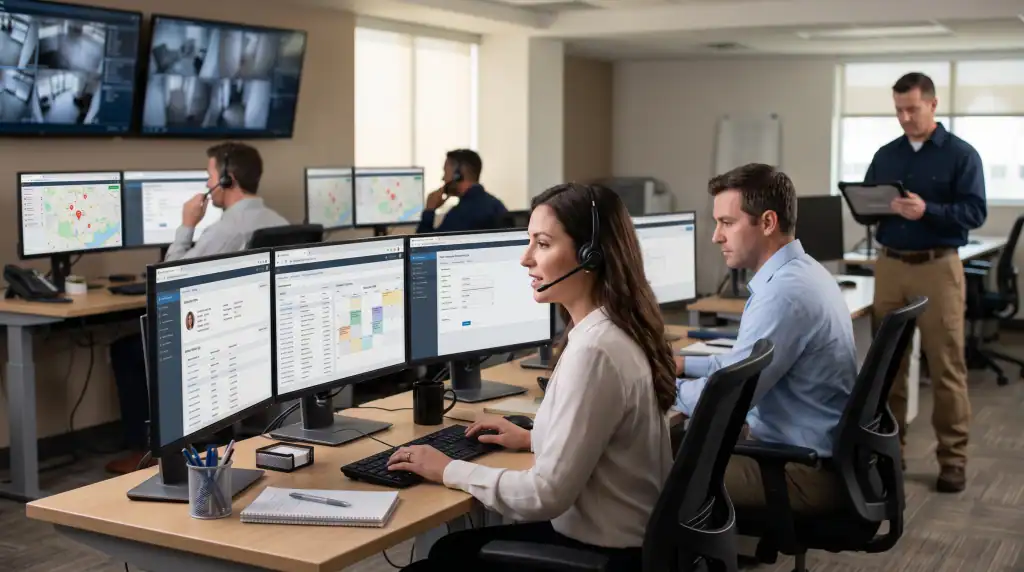
A CRM is one of the most important systems an alarm company uses every day. It stores customer records, service history, emergency contacts, monitoring information, contracts, and billing data in a single place.
Since the platform stores so much sensitive information, you should make security a major consideration when selecting a CRM. A data breach, unauthorized access incident, or compliance failure can expose customer information, disrupt operations, and damage the trust your business depends on.
Not all CRM platforms offer the same level of protection. Some include advanced security controls, while others leave critical gaps that increase risk. Before making a decision, it is important to evaluate how well a platform protects your data, users, and business operations.
Below are seven essential CRM security features every alarm company should look for.
Key Takeaways
To choose the right crm, you need to consider these 7 security features:
- Prefer an RBAC-based CRM for full control over it.
- Don’t compromise on end-to-end data encryption.
- Look for multi-factor authentication capability in a CRM.
- Opt for a platform that provides detailed audit trails.
- The CRM you choose should be licensed and compliant.
- Prioritize the ability to get integrated with APIs securely.
- Choose a CRM with single sign-on integration.
7 Key Security Features to Look for in an Alarm Company CRM

Since alarm companies manage sensitive customer information and recurring service relationships, CRM security should be evaluated just as carefully as functionality. The following features help reduce risk while ensuring your team can work efficiently.
1. Role-Based Access Control (RBAC)
A reliable CRM should first include role-based access control. It limits what employees can view, edit, and manage inside the system. Every person on your team sees only the data their job actually requires.
However, if you ignore the RBAC feature, every person you add to your CRM becomes a potential exposure point. Even a single compromised account with full system access can put your entire customer database at risk.
That’s why you should make sure that you control user permissions and department-level access. By limiting unnecessary access, data protection becomes pretty straightforward.
2. End-to-End Data Encryption
Another feature alarm companies should look for in a CRM is end-to-end data encryption. Customer data regularly moves between users, integrations, and servers, making strong encryption essential for protecting sensitive information from unauthorized access.
A secure CRM should encrypt data both at rest and in transit. That means your customer data remains safe while stored in the database and while being transferred between systems.
So, whatever CRM you opt for, it should have the ability to encrypt sensitive information, such as addresses, payment details, monitoring records, and service history.
3. Multi-Factor Authentication (MFA)
A password or fingerprint scan is not always enough to keep your data protected, especially in the case of a security breach. Attackers may reuse, share, or steal the numbers or patterns you set as a passkey.
That means if you don’t add another protective layer to your CRM, anyone with stolen credentials can access it directly. That’s why multi-factor authentication should be considered a standard requirement.
It adds a second verification step so that even if the password is compromised, an attacker still cannot get in without the second factor, which is usually a one-time password. So, MFA must be a part of your checklist when making a choice between different CRM options.
4. Detailed Audit Trails and Activity Logging
Another important CRM security feature is detailed audit trails and activity logging. These records show who accessed specific data, when they accessed it, and any changes they made within the system.
For example, if a critical central station account number disappears, you can check who did it and when it happened. When you have full visibility into user activity, you are more likely to catch and stop security threats.
So, make sure you select a platform that preserves these records in an unalterable format for your alarm company. Although often overlooked, it helps you a lot with the following things:
- Account edits tracking
- Login activity monitoring
- Billing changes reviewing
- Unauthorized action identification
- Operational mistake investigation
5. Compliance With Industry Standards
Every CRM security feature carries equal importance, but regulatory compliance is especially important for alarm companies. Alarm companies handle large volumes of sensitive customer information, which places greater responsibility on them to protect that data and comply with applicable security standards.
For alarm companies operating in the US, two standards are worth asking about specifically:
- SOC 2 (Service Organization Control 2)
- PCI DSS (Payment Card Industry Data Security Standard)
So, before you store a single payment record or customer contract in any CRM, ask the vendor for their current SOC 2 report and written confirmation of PCI DSS compliance. A trustworthy vendor will have both ready to share without hesitation.
6. Single Sign-on Integration (SSO)
SSO is another feature to look for in a CRM, whether you are an alarm dealer, integrator, or monitoring company. It lets your team log into the CRM using credentials managed through a central identity provider, which could be Microsoft Azure AD or Google Workspace.
As a result, no one on your team has to manage a separate password for the CRM. They can access the CRM using the existing company credentials they use across the rest of their business tools.
7. API and Integration Security
In most cases, a CRM for an alarm company doesn’t operate in isolation. It connects to central stations, monitoring platforms, accounting tools, and field service systems. Each of these integrations creates an additional pathway for data exchange, and each one needs to be secured.
API security governs how those connections are authenticated and what data they can access. A secure API setup uses token-based authentication, limits what each integration can access, and logs all API activity.
So, when evaluating a CRM, you should pay attention to how integrations are authenticated. Check whether API activity is logged and reviewable and whether individual integrations can be revoked without taking the rest of the platform offline.
The Final Thought
In summary, you should consider multi-factor authentication, role-based access control, single sign-on, encryption, and audit trails in a secure CRM. On top of that, don’t forget to check compliance with industry standards, as you should especially pay attention to regulatory guidelines as an alarm company.
However, if you don’t want to struggle to find a platform that checks all of these boxes while still fitting your daily workflow, look for a solution built natively for your industry. WorkHorses SCS provides an all-in-one cloud platform designed specifically for security alarm companies. Our system acts as a single point of data entry, uniting your lead tracking, scheduling, field updates, and central station integrations into one secure ecosystem.
Request a free demo today and see how a purpose-built CRM can help protect customer information while simplifying daily operations.
Frequently Asked Questions
Does multi-factor authentication slow down CRM access?
It doesn’t make a significant difference to wait times for most employees of your alarm company. In most cases, your team members may need to spend just a few additional seconds to complete the second or third verification step.
How do I verify that a CRM vendor is actually PCI DSS compliant?
Ask the vendor for documentation of their current PCI DSS compliance level and validation method. A compliant vendor should be able to provide a current attestation of compliance or point you to their official compliance page.
How can a centralized CRM improve operational security?
First of all, it eliminates the risk of duplicate entries, and secondly, it simplifies access management. Also, a centralized CRM makes it easier for everyone to see their job-related data without looking into multiple sheets. That structure helps alarm companies maintain better control over customer information and workflows.
Ready to transform your alarm business? Contact WorkHorse today for a FREE demo and consultation.
Let us help you streamline your operations and achieve greater success with our all-in-one software solution.

We are your Single Point of Data Entry