We WorkWith Communication Partners
One API for All Your Monitoring Integrations
We process Zones, History, and Customer Information, and give manufacturers control of Central Station operations through a single API.
Your Product
MCIS
Automation Platforms
With our WorkHorse Connect API toolkit, you can:
Simplify account management
Create, update, or cancel subscriber accounts across multiple central station databases instantly.
Transmit data in real time
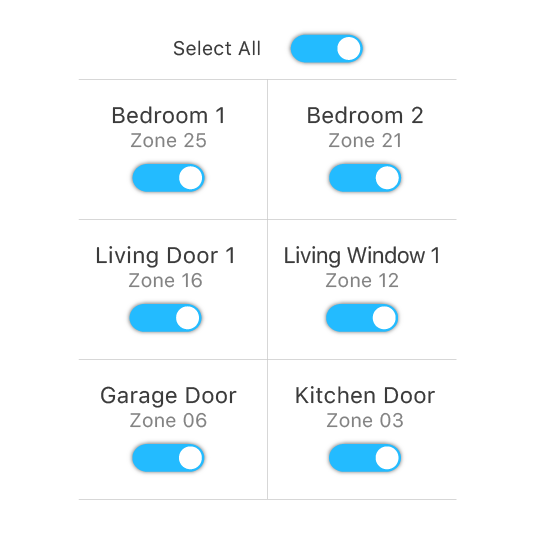
Send zone events, sensor triggers, and alarm signals to monitoring centers as they happen – no delays.
Sync critical information
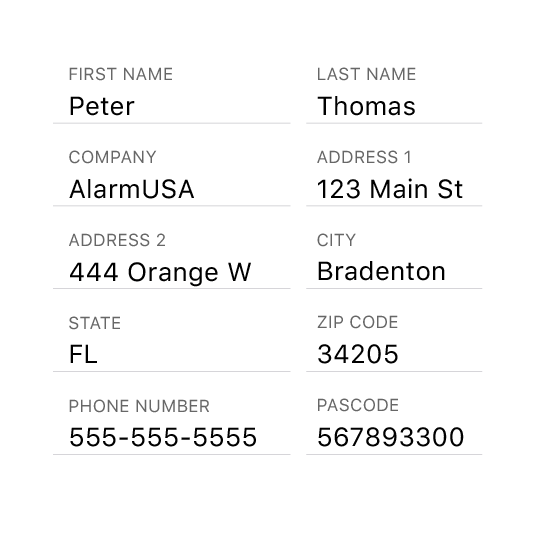
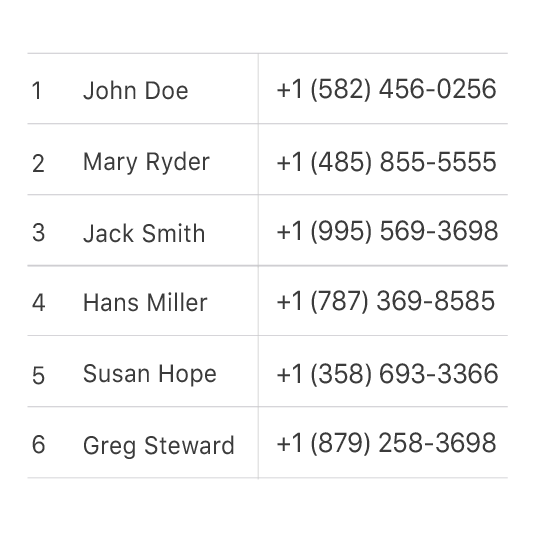
Share contact details, passcodes, and other vital data between your system and the central station without double entry.
Account API
- Create
- Update
- Cancel
Accounts
Zones
Contacts
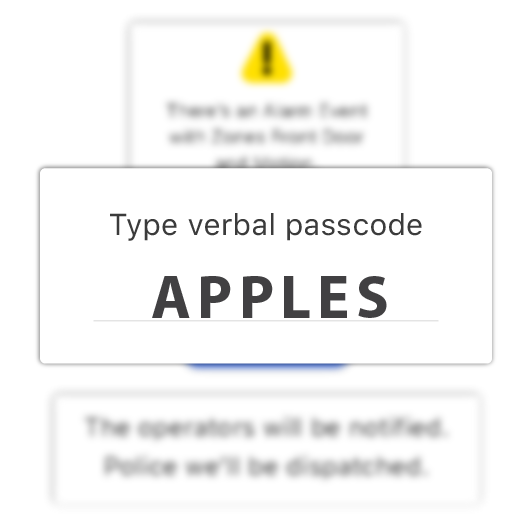
Passcodes
Agencies
Signals API
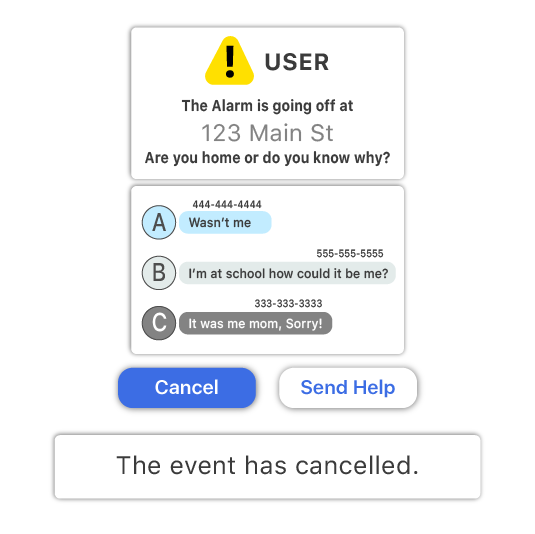
Cancel Alarm Events
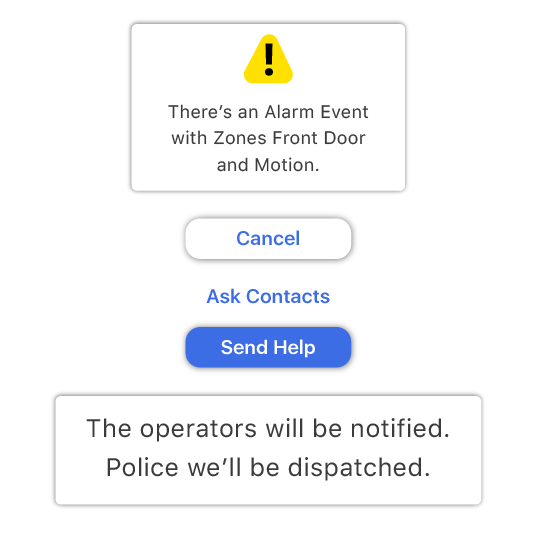
Send Zone Signals to Monitoring Centers
Flexible, Future-Proof Integration
WORKHORSESCS CONNECT
Let us Give your Solution
WORKHORSESCS CONNECT
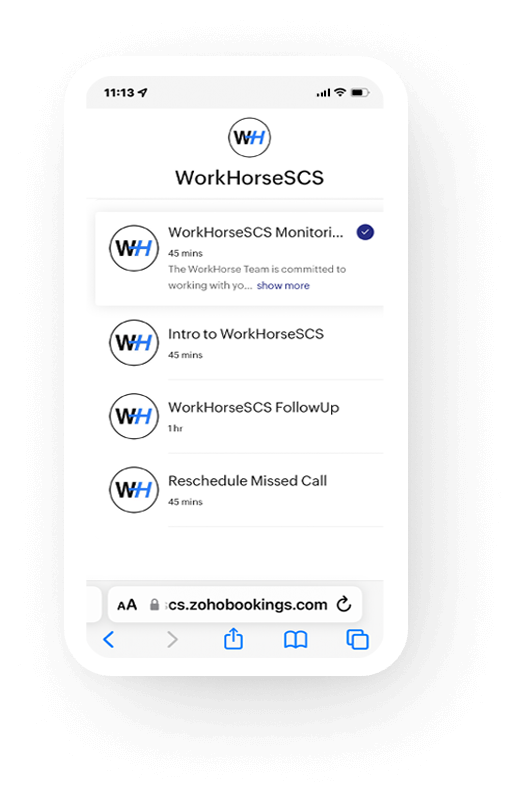
Training and Help on your Time
Ready to transform your alarm business? Contact WorkHorse today for a FREE demo and consultation.
Let us help you streamline your operations and achieve greater success with our all-in-one software solution.
We are your Single Point of Data Entry
FAQs
What is WorkHorse’s alarm integration API and how does it simplify central station connectivity?
WorkHorse’s integration API acts as a single unified interface to connect your product (alarm panel, automation platform, or communication module) to 30+ central station automation systems. Instead of building custom connectors for each monitoring center (e.g., DICE, Manitou, MAS), you use our API endpoints (for accounts, zones, signals, passcodes, contacts) to send and receive data in a consistent format. We handle translations, error handling, and versioning so your engineering effort is minimized and your system stays in sync in real time.

Which central station systems does WorkHorse currently support?
WorkHorse supports more than 30 central station integrations. Some of the well-known platforms include DICE, Manitou, MAS, MPower, SIMs, Stages, and Triangulum AI / Rapid Response Monitoring. Our engineering team continually adds new integrations as customer demand and ecosystem evolution require.
How do I manage account creation, updates, and cancellations across multiple central stations?
Using WorkHorse’s Accounts API, you can programmatically create, update, or cancel subscriber accounts across multiple central station databases. Once you define the subscriber (with name, address, contacts, passcodes, etc.), WorkHorse ensures the data is pushed reliably to the target monitoring centers. This eliminates the need for manual entry, duplicate logic, or separate connectors per station.
Can WorkHorse handle real‑time alarm signals and zone events?
Yes — through our Signals API and Zones API, WorkHorse enables real‑time transmission of zone events, sensor triggers, and alarm signals. You can send or cancel alarm events instantly, ensuring minimal latency. We also sync historical zone status and event data so that the monitoring center and your system remain consistent.
How does synchronization of passcodes, contacts, and zone configurations work?
WorkHorse includes APIs for contacts, passcodes, zone definitions, and agencies (if needed). Anytime your system adds or changes a contact (e.g., phone numbers or email), updates a sensor zone configuration, or modifies a passcode, you simply call the appropriate API endpoint. We take care of propagating those changes downstream to all relevant central stations. This ensures there’s no mismatch or stale data in the monitoring ecosystem.
Is WorkHorse scalable and future‑proof for evolving alarm technologies?
Absolutely. Our platform is built for scalability and flexibility. As your volume grows or you adopt new alarm technologies, WorkHorse can handle increased throughput, support new data formats, and incorporate future integrations. We maintain versioning, backward compatibility, and ongoing API support so your integrations don’t break when changes happen upstream or downstream.
How do I get started and what support does WorkHorse provide during integration?
To get started, you can schedule a demo via our website. Once engaged, our team provides you with technical documentation, sandbox credentials, and a developer onboarding plan. We offer training, hands‑on assistance, and ongoing support throughout your integration project. Our goal is to ensure your integration is reliable, efficient, and delivered with minimal friction.