How All-in-One Software Solutions are Shaping the Future of Alarm Business Operations in 2026
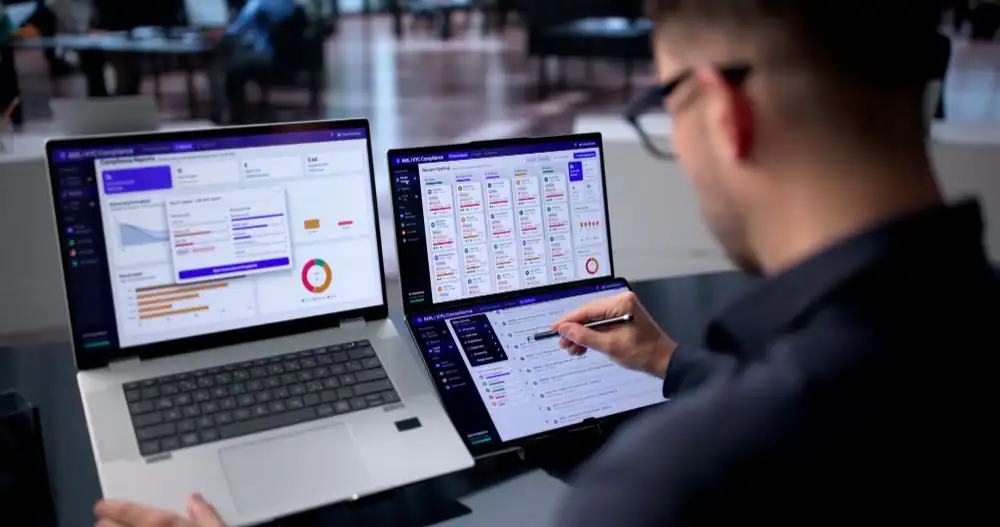
Most alarm companies never planned to manage leads, scheduling, billing, dispatch, and monitoring across five different systems. Those tools accumulated over time until everyday operations became slower and harder to manage. One system for leads, another for scheduling, a spreadsheet for billing, and a login for the central station were all in use. Nobody sat down and planned it. It grew piece by piece until Monday mornings turned into a scramble of tabs and passwords.
But the situation is changing fast in 2026. More alarm dealers are ditching the patchwork and consolidating sales, dispatch, billing, and monitoring into a single system. If your team is still stitching together four different tools by hand, you are probably losing more time and money to it than you realize.
This guide walks through what alarm company software actually does, from ticketing and scheduling to dispatching and work order management, and why so many dealers are making the switch right now.
What Is All-in-One Alarm Company Software?
All-in-one alarm company software is a cloud-based platform that manages the full lifecycle of an alarm business from a single system. This system includes a wide range of daily tasks, including:
- Lead generation
- Sales
- Installation scheduling
- Technician dispatch
- RMR billing
- Customer service
- Third-party integrations
In simple words, alarm software allows your team to access vital information and complete work remotely from the same interface. As a result, they do not have to switch between different tools. At the same time, they can customize their workflows to better plan daily activities and performance.
Why Are Alarm Businesses Switching to Software Solutions in 2026?
Alarm businesses are switching because disconnected tools cost time, money, and accuracy, and those costs compound as a company grows. Serving the alarm industry for years with a dedicated cloud platform, we have identified the following reasons why companies are choosing software these days:
- Duplicate Data Entry Issues: A technician logs a completed install on a paper ticket. The office re-enters it into the billing system. Someone else updates the central station account. The same information is typed three or four times, and every retype is a chance for a mistake.
- Disconnected Teams: The sales team does not know which service has already been promised to a customer. The dispatch team does not know what sales are already committed to on price or timeline. Teams end up working with different versions of the truth.
- Multiple Software Subscriptions: Paying individually for a CRM, scheduling tool, accounting platform, and monitoring portal adds up quickly, and none of them talk to each other without laborious work.
- Poor Business Visibility: Owners cannot get a clear, current picture of RMR, technician utilization, or open service tickets without pulling reports from four different places and stitching them together by hand.
- Fragmented Systems: When central station data is separate from customer billing, a canceled account can continue generating invoices for months before anyone notices. These operational challenges explain why demand for alarm company software continues to grow in 2026.
Alarm Management Software vs. Traditional Operational Techniques
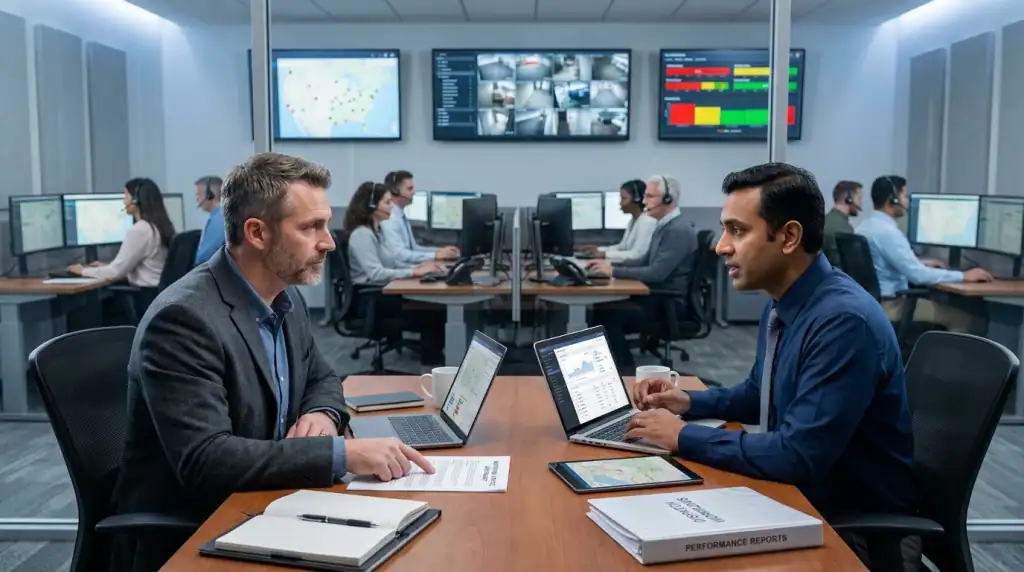
When managing your alarm business traditionally, you have to deal with multiple tools, subscriptions, and sheets. Once you integrate alarm business software into your workflow, everything runs from a single central platform instead of several disconnected tools.
The comparison below shows how day-to-day operations change across the areas that matter most.
Factor | Traditional Mult-Tool Approach | All-in-One Alarm Management Software |
Data Entry | Entered separately in each system | Entered once, syncs everywhere |
Billing Accuracy | Prone to missed or duplicate charges | Automated RMR billing tied to contract status |
Technician Updates | Paper tickets or phone calls | Real-time mobile updates from the field |
Central Station Sync | Manual updates in a separate portal | Direct integration with monitoring platforms |
Reporting | Manually compiled from multiple sources | Centralized dashboards, updated in real time |
Onboarding New Staff | Training on four or five separate tools | Training on one connected system |
How All-in-One Alarm Company Software Improves Daily Operations
All-in-one software improves daily operations by removing manual handoffs between departments and giving every team access to the same live data. Let’s learn what happens when you successfully implement fire alarm inspection software.
Centralized Business Data
One of the greatest benefits of alarm software is that it centralizes your business data. As a result, your team has one place to find all the necessary details.
For example, if a field operator wants to view current service calls, they can simply log in to their mobile interface to see live data. Similarly, your office staff can track the status of the same service without having back-and-forth communication with the person working in the field.
Workflow Automation
Another major benefit is workflow automation. Whether it’s moving customer details from one phase to another or sending payment reminders, the software automates repetitive administrative tasks
That automation is what makes cloud-based alarm platforms a worthwhile option for alarm companies. According to DataIntelo, the global alarm management software market was valued at approximately USD 3 billion in 2025 and is projected to grow significantly over the coming years.
Faster Service Delivery
With software, dispatchers can see technicians’ locations, schedules, and availability in real time. Dispatchers can see technicians’ locations, schedules, and availability in real time.
Instead of calling around to find out who is available, they immediately assign the closest qualified technician. As a result, customers get faster appointment windows, and service calls that once took a full day to schedule can often get confirmed within minutes.
Higher Technician Productivity
According to Salesforce, tradespeople and technicians lose nearly a full workday each week to low-value tasks like manual data entry.
When a platform consolidates job details, customer history, and equipment records into a single mobile view, technicians spend far less time chasing paperwork and more time on billable work. Having all job details available on a mobile device helps technicians complete more work in less time.
Better Customer Experience
A common reason why customers are often fed up with alarm companies is repeating the same problem again and again. When they have to contact sales, dispatch, and billing departments separately, they prefer switching to another better company.
A connected system reduces the everyday friction that quietly damages customer relationships over time. Customers notice when billing is accurate and appointments run on time. Automated updates, clear invoices, and fewer scheduling mix-ups build trust that a phone call never fully repairs after a mistake.
What Operations Does Alarm Management Software Streamline?
Alarm management software touches nearly every operational function inside an alarm business. It influences the entire account lifecycle, from the first sales inquiry through installation, billing, and ongoing service. You can expect it to make a notable difference to these operations:
- Lead management and CRM: Tracks prospects from first contact through signed contracts.
- Recurring monthly revenue (RMR) management: Automates billing cycles tied to active contracts, reducing missed or duplicate charges.
- Installation scheduling and project management: Coordinates install dates, crew assignments, and equipment needs.
- Technician dispatching and routing: Assigns the right technician to the right job based on location and skill set.
- Service tickets and work order management: Tracks open issues from creation through resolution.
- Alarm monitoring and central station integration: Syncs account data directly with central station platforms so records stay accurate on both sides.
- Inventory, equipment, and asset tracking: Keeps tabs on panels, sensors, and hardware assigned to each job or truck.
- Invoicing and payment processing: Generates and collects payments tied directly to completed work or active subscriptions.
- Customer communication: Sends service reminders, appointment confirmations, and account updates without manual follow-up.
- Reporting and analytics: Turns operational data into dashboards owners can actually use to make decisions.
What Does the Future Hold for Alarm Business Software Beyond 2026?
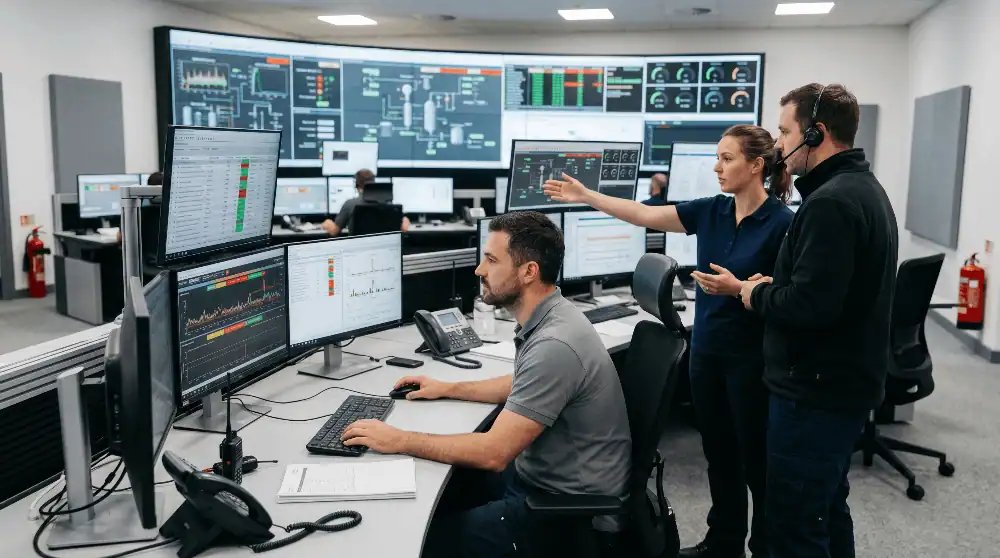
Over the next few years, alarm business software will be moving toward greater automation, deeper device integration, and stronger security requirements. As a provider of advanced alarm management software, we anticipate the following developments will define the next phase of innovation in these types of platforms:
More AI-Driven Automation
AI is expected to play a big role in automating daily tasks for alarm companies. Routine tasks like scheduling, follow-up communication, and basic customer service questions will increasingly run without a person triggering each step manually. That increase in automation will reduce the need for staff further and improve business efficiency notably.
Smarter Predictive Service Models
Instead of waiting for a customer to report a failing panel or sensor, platforms will increasingly flag equipment likely to fail based on usage history and service patterns. This convenience will shift alarm companies from reactive service calls toward proactive maintenance visits, which will help reduce emergency callouts.
Deeper Integration With Smart Security Devices
Alarm software will have to support a much broader array of hardware than traditional alarm panels as more customers install smart locks, video doorbells, and connected sensors. Businesses that cannot support these devices will risk losing customers to competitors who already treat smart home integration as a standard part of the service.
Better Compliance Capabilities
Industry standards will continue to evolve. The Monitoring Association, the trade group representing professional monitoring centers, will continue advancing the professional monitoring industry through education, advocacy, standards, and public-safety relationships. Software platforms will increasingly need built-in support for these evolving standards.
Stronger Cybersecurity
Cybersecurity will remain a core buying factor because cloud platforms hold customer, billing, and operational information. CISA advises small and medium-sized businesses to update software, use strong authentication, maintain backups, encrypt business data, and log activity on critical systems.
In the future, you should ask software vendors how they manage access controls, backups, incident response, software updates, and data recovery.
Final Thoughts
Running an alarm business on five disconnected tools might work when a company is small. It stops working once technician count grows, RMR volume climbs, and the cost of a billing mistake or a missed service call gets more expensive. All-in-one alarm company software solves this by giving every department, from sales to dispatch to billing, access to the same accurate, real-time data.
At WorkHorse SCS, we provide that all-in-one alarm company software, which serves as a single point of data entry across all departments. Whether it’s field management, dispatching, RMR billing, customer communication, or invoicing, you can run every department from one connected platform. So, if disconnected systems are already costing your team hours every week, schedule a demo with WorkHorse SCS to see how the platform fits your specific workflow.
Frequently Asked Questions
Can alarm software integrate with my existing monitoring station?
Yes, reliable alarm software should integrate with your existing monitoring station. In fact, most software, especially ours, connects seamlessly with third-party central stations for 24/7 monitoring of all the customer accounts.
How does an all-in-one platform reduce operational costs?
It cuts the hours spent on manual data entry, reduces billing errors that cost you missed RMR, and replaces multiple software subscriptions with one system. That is how it not only saves you money but also a lot of time.
Is switching to an all-in-one platform difficult?
No, the migration to all-in-one alarm software should not be complex. While it is a somewhat technical process that requires proper attention and sufficient time, it’s not as difficult as alarm business owners think. A vendor with a structured onboarding process can make it easier to switch to software.
Can alarm technicians access the software from the field?
Yes, most all-in-one platforms include mobile access so technicians can view work orders, update job status, and collect signatures directly from a phone or tablet while on site.
Is cloud-based alarm business software secure?
Reputable vendors, such as WorkHorse SCS, use data encryption, management of access, and frequent security updates to protect consumer and business data. Ask any provider directly about their specific security practices and data handling rules before signing any deal.
Ready to transform your alarm business? Contact WorkHorse today for a FREE demo and consultation.
Let us help you streamline your operations and achieve greater success with our all-in-one software solution.

We are your Single Point of Data Entry