Why Integrated Software Is Essential in 2026 for Alarm Companies
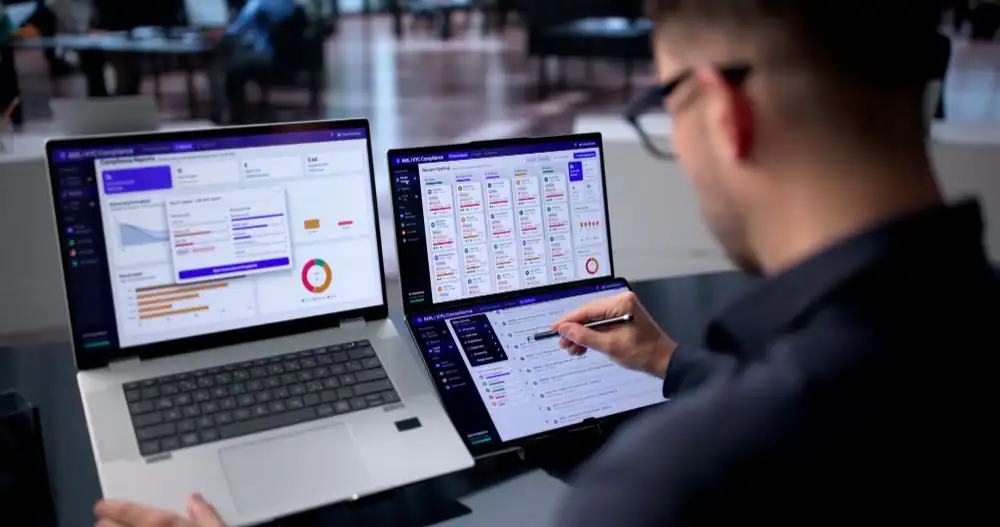
Running an alarm company in 2026 comes with a unique set of challenges. If your team spends half of their day retyping CRM addresses into billing software while dispatchers scramble over text messages to update field technicians, you already know the frustration.
Over the years, working with alarm dealers and integrators across North America, we have seen how disconnected tools drain time, trigger billing mistakes, and slow down growth.
In this article, we will explain why integrated alarm company management software matters in 2026 and how connecting your sales, service, billing, and Central Station workflows can simplify daily operations.
Quick Summary
Integrated alarm company management software connects lead management, sales, field dispatch, Central Station integrations, and recurring billing into one continuous workflow. By replacing scattered software tools with a unified security management platform, alarm dealers can reduce manual re-entry, fix billing errors, improve technician productivity, and gain real-time financial clarity to enhance scalability.
But the situation is changing fast in 2026. More alarm dealers are ditching the patchwork and consolidating sales, dispatch, billing, and monitoring into a single system. If your team is still stitching together four different tools by hand, you are probably losing more time and money to it than you realize.
This guide walks through what alarm company software actually does, from ticketing and scheduling to dispatching and work order management, and why so many dealers are making the switch right now.
What Is Integrated Alarm Company Management Software?
Integrated alarm company management software is a centralized, cloud-based platform designed to bring every part of your business into one shared space.
Most alarm companies juggle separate tools for customer contacts, scheduling, billing, and central station accounts. Integrated software replaces that patchwork with a single dashboard.
When you update a client’s account in the office, it changes everywhere at once. Field technicians get the update on their phones, billing adjusts automatically, and monitoring records stay precise. Your team never has to retype details or guess whether the notes have been updated.
Integrated Platform vs. Multiple Standalone Tools
The contrast between the two operational models becomes obvious when you look at how daily tasks actually get done. Here is how relying on standalone tools compares to running a unified system:
Operational Area | Multiple Standalone Tools | Integrated Platform |
Data Entry | Re-entering data across separate systems | Single-point data entry across connected workflows |
RMR Billing | More manual billing and collection tasks | Automated recurring billing and collections |
Sales & CRM | Customer information spread across systems | Connected customer history from lead to ongoing service |
Field Service | Separate scheduling, paperwork, and technician updates | Connected scheduling, dispatch, and field updates |
Reporting | Data gathered from multiple systems or spreadsheets | Centralized operational and financial visibility |
Integrations | Separate connections between different tools | Supported integrations within a unified workflow |
7 Reasons Integrated Software Is Essential for Alarm Companies in 2026
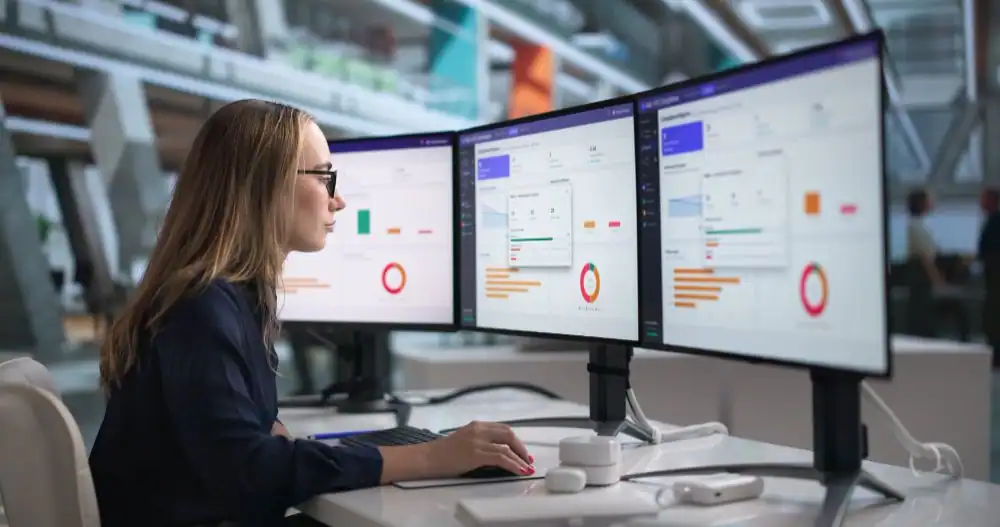
Transitioning to a unified platform gives you direct control over cash flow, labor efficiency, and customer retention. Here are several practical reasons to make the move this year.
Enter Customer Data Once and Use It Across Your Business
When a sales rep closes a multi-site commercial account, your office staff shouldn’t spend 20 minutes re-entering details across three different portals. A minor typo in an emergency contact number can disrupt Central Station notifications or cause important account communications to reach the wrong person.
Entering customer data once reduces the risks that come with manually re-entering the same information. The moment a rep signs a new client, that exact record flows into connected workflows for dispatch, monitoring, and recurring billing without anyone retyping a single line.
Bring Lead and Sales Management Into the Same Workflow
Field site surveys capture details installers need on installation day. Such details include:
- Panel locations
- Access codes
- Custom contact points
When sales reps use a separate CRM, sales and field teams can lose those notes. Installers may show up asking questions your client answered a week ago.
Connecting sales to operations with integrated software fixes this disconnect. Once a prospect approves a proposal, the account can move into the installation workflow with the relevant sales information attached, such as:
- Original site notes
- Floor plans
- Equipment lists
Automate RMR Billing and Strengthen Cash Flow
Recurring monthly revenue is the foundation of any alarm business. In fact, research from Security Sales & Integration shows that recurring subscriptions now make up nearly 40% of total revenue for dealers and integrators.
With recurring fees driving such a significant portion of your income, missing even a single line item hurts your bottom line.
Integrated software links field service directly to billing to prevent revenue leaks and automatically processes payments by credit card or Automated Clearing House (ACH) bank transfers.
The system can also flag declined cards immediately and sync every transaction straight to QuickBooks to keep your cash flow steady.
If you want to know more about RMR management, you can read our full guide on How All-in-One Alarm Software Boosts Recurring Monthly Revenue (RMR).
Connect Scheduling, Dispatch, and Field Service
A late Friday service issue can quickly turn into a string of calls between dispatchers and technicians when scheduling information lives in separate tools. Connected field service management software eliminates that chaos entirely.
Dispatchers can view technician schedules and availability, assign service calls, and keep technicians updated as jobs move forward.
In the field, technicians can access assigned job information and update service activity from their phones. From the job site, a technician can:
- View assigned work orders and customer records
- Update job progress in real time
- Track replacement parts used on the job
- Put accounts on and off test with the central station
- Collect client signatures or process payments right on-site
Keep Customer Information and Service History in One Place
Using integrated alarm company software gives your team faster access to customer records and service history.
For example, if a client calls complaining that a low battery fault is still chirping after a recent visit, your team needs answers quickly. Instead of placing the customer on hold to dig through paper files or check a separate billing system, authorized office staff can use the software to see the customer’s service history in seconds.
Maybe your team finds that the previous visit was actually for a faulty door contact, not the main panel battery. They can briefly explain the difference, check the signed work order with the customer, and send a tech out with the right battery.
Connect Central Station and QuickBooks Workflows
Setting up a new subscriber usually means logging into a central station portal to configure zones and contact lists, then opening separate accounting software to handle billing. When your team moves between disconnected tools, they can waste valuable hours and invite costly typos.
To see how integrated software solves these issues, consider a recent client of ours. They brought on a 10-location commercial account, which means spending nearly two hours manually copying zone maps, contact points, and billing schedules across different portals.
Our platform gave them one central place to run it all. They created the master account once, and the software handled the rest. It automatically synced relevant account data with their supported Central Station while keeping invoices and payments connected to QuickBooks Online. What used to take an entire afternoon was done in minutes, with zero copy-paste errors.
Use Connected Data to Make Better Business Decisions
Making big moves with scattered data creates unnecessary risk. When a bank or buyer asks for your exact recurring revenue, figuring it out shouldn’t take three days of juggling with spreadsheets across different systems.
When your business runs on one central platform, you get total visibility into your numbers that day and a predictable structure to handle twice the workload next day. With integrated software, you can:
- Pull accurate reports in seconds
- Track rising labor costs
- Spot customer and business trends
You get the foundation to scale smoothly without adding extra admin clutter.
How Integrated Software Connects the Alarm Company Workflow
To understand the practical impact of integrated alarm company management software, consider how an account moves through a unified software lifecycle:
- A potential customer calls or fills out a web form, and your system automatically adds their details.
- Your rep walks the site, builds the proposal, and gets an e-signature right on-site to turn the lead into an active account.
- The customer profile is created using the data your rep already collected.
- A work order is automatically generated with every equipment detail and note from the quote attached.
- Your team puts the account on test and sends zone maps and call lists straight to your central station with a single click.
- The monthly monitoring fee is set to an automated billing schedule, so you get paid on time without chasing invoices.
- Technicians update service requests from the field, including job status, notes, time, and parts used.
- Finished jobs and monthly collections flow straight into QuickBooks, keeping your accounting completely up to date.
- Every call log, payment, and service visit stays linked to the customer’s file and gives your team useful context when they need it.
Common Mistakes to Avoid When Implementing Integrated Alarm Software
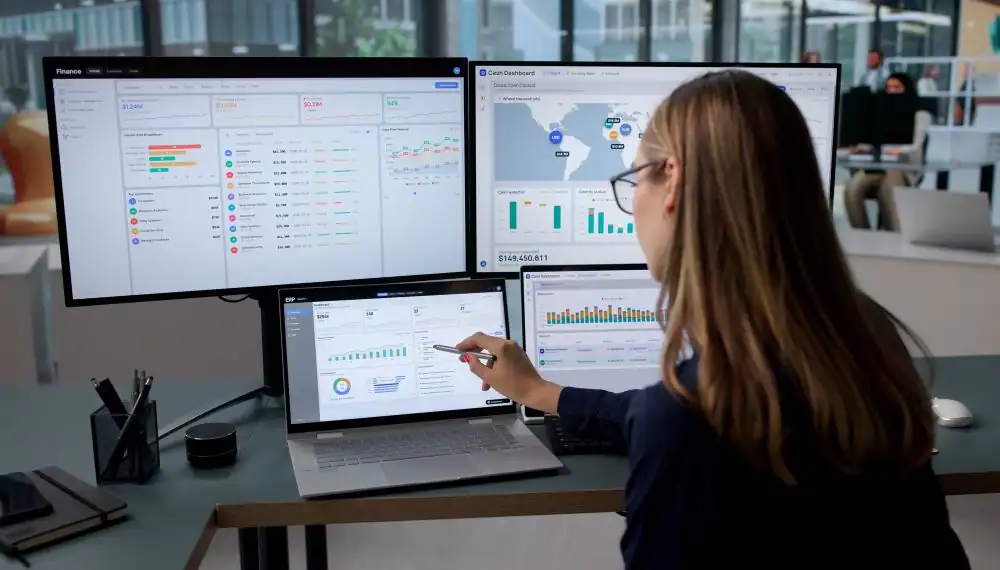
Upgrading your operational software is one of the highest-ROI investments your alarm business can make, but poor planning can cause unnecessary friction. It helps to avoid these common pitfalls during implementation:
- Choosing General Field Service Software Over Alarm-Specific Tools
Generic service apps for plumbers or electricians do not understand zone list setups, central station account syncing, or specialized RMR subscription structures.
- Migrating Uncleaned Customer Data:
Importing duplicate accounts, outdated phone numbers, or incorrect billing amounts into a new platform wastes time. It helps to clean up your current database before migrating data.
- Skipping Formal Team Training
Software is only as effective as the team using it. You should make sure your office staff and field technicians receive structured training sessions instead of expecting them to figure it out themselves.
- Attempting to Change Every Internal Process Overnight
You can roll out software features in planned phases. We suggest mastering customer accounts, scheduling, and RMR billing first before diving into advanced reporting features or custom messaging workflows.
- Failing to Involve Field Technicians Early
Technicians must feel comfortable using the mobile interface on job sites. Getting feedback from your lead service techs during the evaluation phase can ensure smooth adoption.
Conclusion
Running a profitable alarm company requires speed and operational control. Relying on disconnected software tools creates administrative chaos, expensive billing mistakes, and wasted technician hours every single day.
By unifying lead management, dispatching, central station workflows, and RMR billing within an integrated security systems platform, you can simplify your entire business.
When you’re ready to run your business from a single platform, check out WorkHorse SCS. This platform allows you to connect your entire workflow from new sales leads to automated billing.
Schedule a Free Demo with our team today to see how WorkHorse can transform your business.
Frequently Asked Questions
What is an integrated software system for an alarm company?
It means integrating your core business software like customer management, dispatching, central station monitoring and billing – all into one seamless system.
That way, when something changes in one app, your whole platform updates automatically without anyone having to type it in twice.
How do convergence security systems affect alarm company operations?
Convergence simply means your hardware, cloud networks, and business software are all talking to each other. In practice, this speeds up everything you do, allowing your techs to test job sites in real time, activate accounts in minutes, get instant signal visibility, and keep customer records updated without manual data entry.
What software do alarm companies use to manage their business?
Most alarm companies usually rely on industry-specific software like WorkHorse SCS to handle their day-to-day work. It combines your scheduling, customer records, monthly billing, and central station feeds into one place and saves your team from having to re-enter the same info across multiple places.
Ready to transform your alarm business? Contact WorkHorse today for a FREE demo and consultation.
Let us help you streamline your operations and achieve greater success with our all-in-one software solution.

We are your Single Point of Data Entry