
How Alarm Software Improves Multi-Location Security Operations for Security Operations Centers
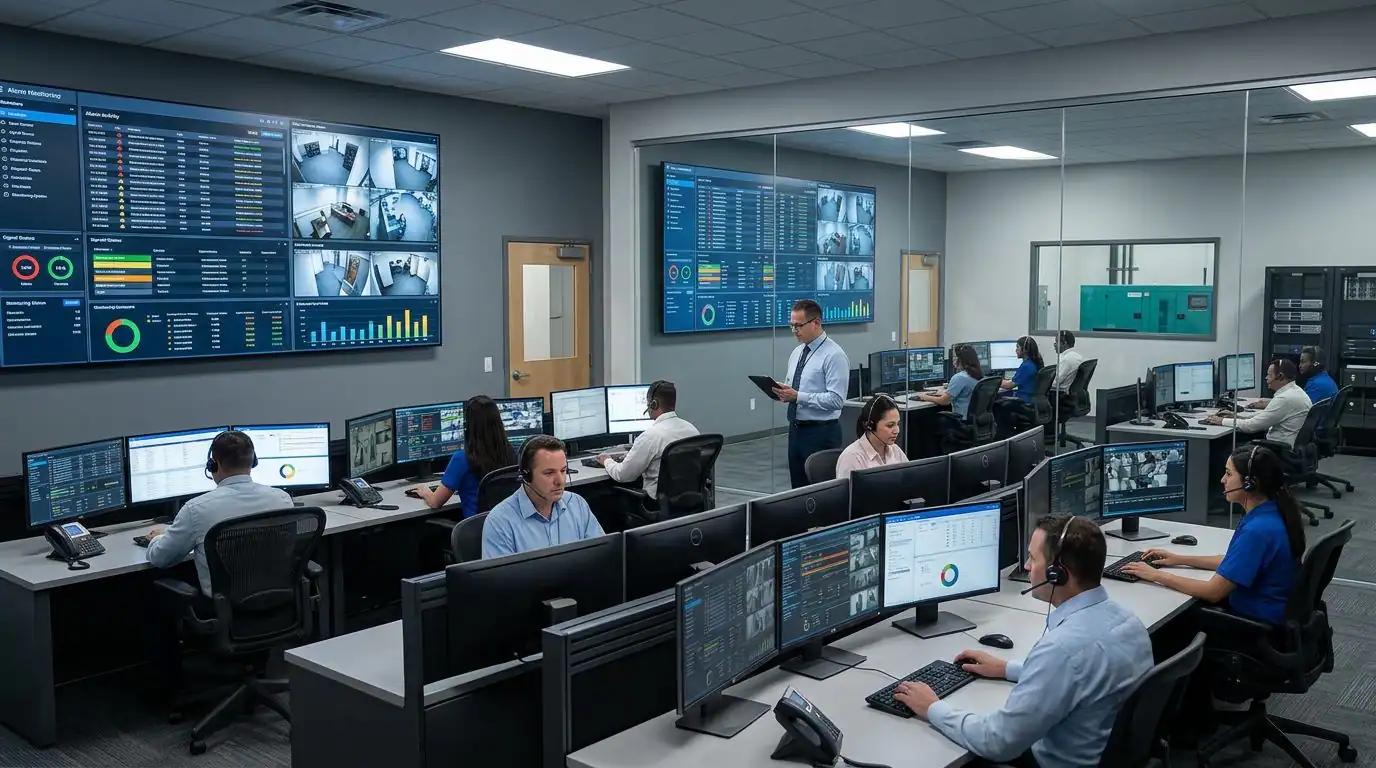
If you run a reliable alarm company, you might have clients with businesses operating across multiple locations. When you don’t have centralized alarm software, running security across dozens of client sites feels like herding cats. And it’s not as if security threats have disappeared. According to the FBI’s Crime Data Explorer, there were roughly 840,000 burglaries reported across the United States in 2023.
When managing multiple sites, you deal with multiple alarm systems, countless notifications, different site managers, and a constant stream of incidents that all demand attention at once. When you coordinate everything manually, it puts unnecessary pressure on your operations, which makes it hard to respond quickly and manage every location well.
That’s where alarm software comes in handy. However, the question is, how exactly does it improve multi-location security operations? If you are planning to have dedicated alarm software for your company, getting an answer to this question might help you decide whether it will work for your clients or not. So, let’s get started.
Quick Summary
Alarm software improves multi-location security operations by pulling every site, alarm system, service record, and invoice into one cloud dashboard. For alarm companies, that means faster dispatch, accurate RMR billing, no duplicate data entry, and a clear view of every client account in one place. WorkHorse SCS is one example of software designed specifically for the alarm industry.
What Is Alarm Software?
Alarm software is a business management platform that alarm companies use to run daily operations, from lead tracking and dispatching to billing and customer service. It provides a single dashboard to manage all routine tasks, especially for a client with workplaces in different locations. In simple words, it is a central business management platform that ties everything together.
The good thing is that reliable software gets integrated with central stations and monitoring partners, making it easier to monitor every site from a single location. The integrated monitoring adds a strong layer of surveillance across multi-location businesses and makes sure that no incident is missed or delayed.
Why Is Multi-Location Security More Complex?
Multi-location security gets complex because every site brings its own systems, contacts, service history, and billing terms, and very few tools show all of that in a single view.
Let’s take a closer look at how things become difficult when there are multiple locations to monitor but there is no dedicated platform for this purpose.
Different sites with different security needs
No two locations of the same client are identical. One store might run a basic intrusion panel, while the flagship location adds access control and a camera package. When each site carries a different setup, your team has to remember which config lives where.
Managing different hardware configurations without a centralised platform often forces technicians to search through multiple systems before confirming installed equipment. If that data is not verified properly, it may result in wrong installations.
Managing multiple alarm systems
Another thing that makes it difficult to manage multi-location businesses is the installation of multiple alarm systems. When there is no centralized cloud software, your technicians may have to navigate through different software interfaces for different manufacturers.
As a result, technicians often spend additional time checking which field panels connect to specific central stations. That lack of unity may lead your billing department to calculate the costs of equipment upgrades for every location manually.
Delayed incident response
One of the biggest challenges is that a fragmented operational system slows down your ability to respond to critical system alerts. For example, if a system failure happens at a remote facility of a commercial customer, your team has to manually:
- Locate the correct file
- Check technician availability
- Dispatch emergency service
That delay in tracking the incident directly affects your professional credibility, which ultimately hits recurring monthly revenue growth.
How Alarm Software Improves Multi-Location Security Operations
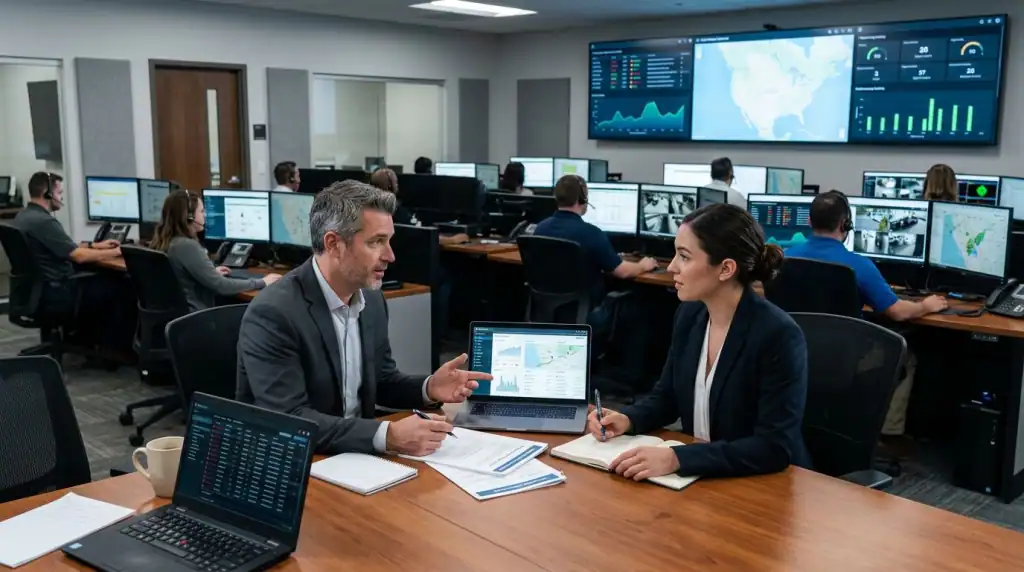
Alarm software improves multi-location security operations by pulling every site, system, and service record into one dashboard, so your team responds faster, bills accurately, and keeps a clear read on each account. Here is where that plays out in practice.
Centralized Monitoring
One of the biggest operational advantages of dedicated alarm software is that it integrates your customer data directly with your central station monitoring system. Whenever you make an update to a customer account, it’s updated across your monitoring network automatically.
That means you don’t have to manually update every sheet, especially when dealing with multiple locations. At the same time, it removes data entry friction for your central station, which eliminates double-entry problems.
Faster Alerts and Response
Another way alarm software improves the operational efficiency of alarm companies dealing with multi-location businesses is by speeding up the response rate. Credible software automatically detects trouble signals from the field and instantly flags them inside your administrative console.
Then, it creates a pending service ticket and enables your dispatch staff to send a qualified technician to the correct location. This way, your company resolves critical emergencies without any unnecessary delay.
Better Incident Management
For alarm companies, it’s not enough to respond to an incident in a timely manner. Instead, managing the incident record after resolution also matters significantly. When you unify your operations using alarm software, your team can log, track, and resolve system issues using repeatable processes.
The system documents every service call, false alarm, and equipment replacement inside the master account record for your multi-facility clients. Your team can review detailed event timelines to see details like:
- When an issue began
- Which technician handled the repair
- What parts were used during the upgrades
- Which location was addressed
Remote Access and Control
One more effective way alarm software streamlines operations is by providing you with remote access to your client’s security systems installed in all locations. Your authorized administrators and technicians can see the needed customer details from their phones without needing formal communication.
For example, the field staff can view detailed system wiring layouts, look up past inspection records, and close work orders while standing directly at the customer equipment panel. With instant data availability, your field operations move smoothly without any interruption.
Improved Operational Efficiency
When there is a single point of data entry, it cuts administrative work significantly. For example, a dealer moving from three separate tools to one platform stops re-typing the same customer into a CRM, a billing app, and a dispatch board, which can save hours of duplicate entry every week. Your staff doesn’t have to use separate applications for sales, scheduling, and billing. That means no retyping the same customer into a CRM, a billing tool, or a dispatch board.
Particularly when multiple locations are involved, an all-in-one alarm software keeps every department working from the same up-to-date information.
Whether your team needs to dispatch technicians, manage customer accounts, track service history, or respond to alarms, your staff can do everything in minutes from a centralized system, which saves both time and effort.
Better Reporting and Compliance
Unlike data in scattered sheets, a comprehensive database provides you with enough data to create detailed reports for multi-location companies. Here is what you can do with dedicated alarm software:
- Track recurring monthly revenue
- Measure technician utilization rate
- Review response times across different locations
If you are working with organizations operating in regulated industries, you can easily provide them with documentation for audits and internal reviews. Accurate reporting also supports one of the industry’s most important performance metrics: recurring monthly revenue (RMR). According to SDM’s 2026 SDM 100 report, recurring monthly revenue for the top 100 security dealers rose 7 percent in 2025 to the highest level in a decade, with 90 percent of those dealers posting growth. So clean reporting, especially per-client RMR tracking, is less a nice-to-have and more a must.
Scalability for Growing Businesses
If a business already has multiple locations, it may expand to other locations as well. Unified alarm software allows you to add dozens of new client locations to your database without slowing down your office productivity.
This is because the software uses the same underlying infrastructure to handle data loads. So, it doesn’t matter if your client operates in a single location or has multiple facilities across the same region. That means scalability doesn’t remain a challenge if you have the right software, even if you add new locations of the same commercial customer.
What Industries Benefit the Most from Alarm Software?
There is a wide range of industries that include a multi-site security network, and reliable alarm software can help to manage all of them. However, below are the sectors that can benefit the most from it:
- Retail Chains: Multi-unit retail operations deal with high employee turnover, requiring frequent updates to alarm codes, access permissions, and emergency contact lists across dozens of stores.
- Healthcare Facilities: Hospitals, regional clinics, and medical provider offices must maintain strict regulatory compliance across multiple buildings while managing sensitive inventory areas.
- Warehouses and Logistics: Large distribution footprints require perfectly synchronized fire, environmental, and intrusion systems managed through an accurate asset database.
- Educational Campuses: School districts and university systems must connect various physical structures into a reliable security framework that supports rapid service dispatching.
- Corporate Offices: Multi-story office parks and regional corporate branches require structured user permissions to manage diverse security settings from a single office.
What to Look for in Reliable Alarm Software for Multi-Location Businesses?
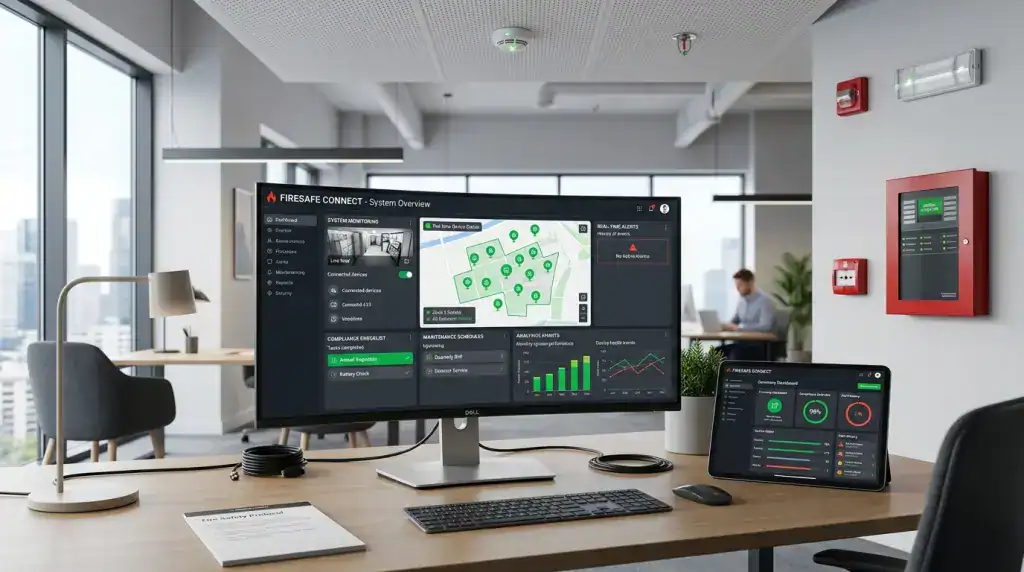
When it comes to choosing the right alarm software for your alarm company that manages multi-location businesses, you need something specifically built for the alarm industry. It should have one dashboard, mobile access, cloud hosting, and a clean integration with central stations and the tools you already use.
Here is a simple checklist you can use when comparing multiple options available in the market:
Feature | Why It Matters Across Many Sites |
Centralized Dashboard | See every account and site on one screen instead of switching tools. |
Mobile Notifications | Techs and managers get job details in the field, not back at the desk. |
Cloud-Based Access | Run the business from any device, with nothing to install on site. |
CCTV, Access Control, and Sensor Integration | Camera, access, and sensor data connect without manual re-entry |
Central Station Integration | Alarm signals flow in once; there is no double keying into the station software |
Role-Based Permissions | Give staff access only to the accounts and actions they need. |
Custom Reporting | Pull service, billing, and RMR reports per client for reviews and audits. |
Cybersecurity protections | Encrypted connections and audit logs guard customer and financial data. |
Scalability | Add sites and accounts without adding new tools or workarounds. |
The Final Words
Managing security across multiple client locations becomes far more efficient when your team works from one connected platform. Centralised customer records, integrated dispatch, accurate RMR billing, and streamlined reporting all help alarm companies respond faster while reducing administrative work.
If you’re looking for software built specifically for alarm dealers, WorkHorse SCS brings your leads, dispatch, billing, and central station integrations together in one platform. Book a personalized demo to see how it can simplify your daily operations.
Security Operations Center: FAQs
Can alarm software integrate with existing security systems?
Most quality platforms connect with the systems you already use, including central stations, accounting tools like QuickBooks, and monitoring integrations. The point of a good platform is to sit on top of your current setup and remove duplicate entry, not to make you rip everything out and start over.
Is alarm software only beneficial for multi-location businesses?
Single-site alarm companies gain plenty too, since automated billing, dispatch, and one clean customer record help any operation. The value simply grows with complexity. The more sites and accounts you manage, the more a centralized platform saves you in wasted time and avoided errors.
What is the difference between alarm monitoring software and alarm business management software?
Alarm monitoring software handles the signals themselves, watching for alarms and alerting the central station. Alarm business management software, like WorkHorse SCS, runs the company behind the monitoring, covering leads, dispatch, service history, and RMR billing. Most dealers use both, since one protects the sites and the other protects the business.
What are the main benefits of centralized alarm monitoring?
Centralized visibility gives you one view of every site, system, and open ticket per client, which speeds up response and keeps records straight. It also cuts the miscommunication that happens when field staff, office staff, and the central station work off different versions of the same account.
What systems can alarm software integrate with?
Depending on the platform, integrations often cover central stations such as COPS, AvantGuard, Affiliated, and Rapid Response, plus accounting software and monitoring services like Alarm.com. Always confirm the specific integrations you rely on before you commit, since coverage varies from one vendor to the next.
Can alarm software reduce false alarms?
Management software does not screen alarm signals itself, but it supports fewer false alarms indirectly. Better service records, thorough technician documentation, and tight central station integration all help, especially as the industry adopts validation approaches like the TMA alarm validation scoring standard to prioritize real threats.
How do professional alarm monitoring centers respond to alarms?
As your security alarm systems send an alert, a trained agent verifies the emergency. In most cases, they do it by calling the site or checking a safe word. Once confirmed, they instantly dispatch the appropriate local authorities, like police, fire, or medical departments.
Ready to transform your alarm business? Contact WorkHorse today for a FREE demo and consultation.
Let us help you streamline your operations and achieve greater success with our all-in-one software solution.

We are your Single Point of Data Entry