How Cloud-Based Software Helps Alarm Companies Streamline Operations
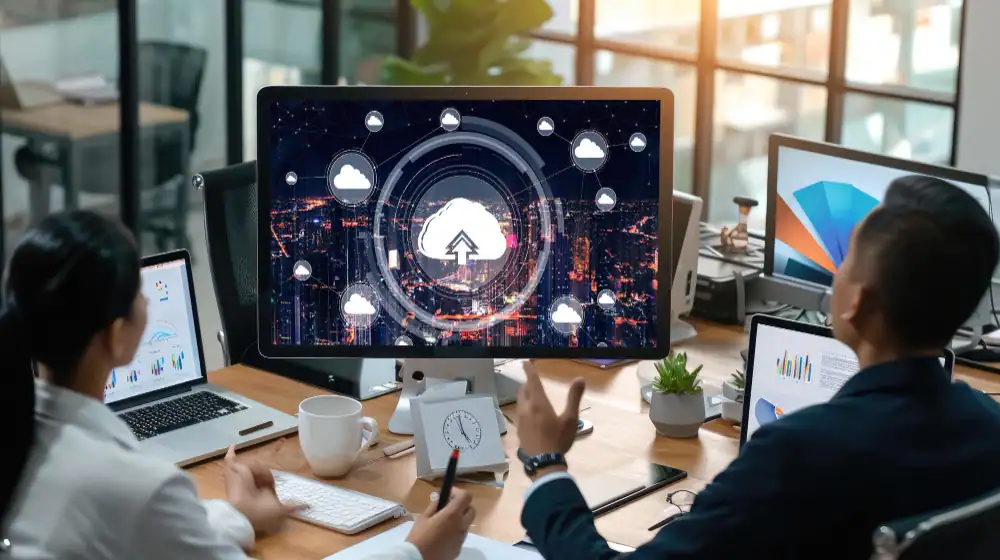
If your team has to move between scheduling, field service, and billing software just to complete and invoice one work order, you already know how much extra work disconnected systems create.
When systems do not share data, small gaps create extra work. Your billing team may miss an RMR charge because an account update never reached them, or office staff may have to contact a technician because the latest job status is stored somewhere else.
Cloud-based alarm management software can reduce this friction by connecting sales, service, billing, and customer records in one system.
In this article, we will break down what cloud alarm management software actually does, why more dealers are switching, and what to look for before you buy.
If you are comparing software for your alarm business, this guide will help you understand which features matter most and where an integrated platform can reduce manual work.
What Is Cloud-Based Alarm Management Software?

Cloud-based alarm management software runs online, allowing authorized teams to access business information without relying on software installed on a single office computer. When the platform also integrates key business functions, it can connect customer records with sales, billing, scheduling, and service workflows.
The National Institute of Standards and Technology identifies broad network access and on-demand access among the core characteristics of cloud computing. For an alarm company, that allows authorized office staff and field teams to work with current business information without relying on software installed on one office computer.
Cloud-Based vs. Traditional System: What Is the Difference?
Traditional on-premises software typically runs on company-managed servers or office computers, which can limit remote access and require more internal IT management. Cloud platforms remove that bottleneck by putting your data somewhere every authorized user can reach it, from any device.
Below is how the two approaches typically differ:
Factor | Traditional System | Cloud-Based System |
Data entry | Re-entered per tool | Entered once, shared everywhere |
Access | Office computers only | Any device, anywhere |
Updates | Manual, often delayed | Automatic |
Visibility | Siloed by department | Centralized, real-time |
Hardware | Local servers required | Runs on the provider’s infrastructure |
Scaling | New setups per location | New users added without new hardware |
Why Alarm Companies Are Moving to Cloud Software
The global alarm monitoring software market was worth about USD 65.9 billion in 2025. It is expected to reach USD 69.04 billion in 2026 and continue growing to around USD 100.19 billion by 2034, with an average annual growth rate of 4.76%.
Growth in the alarm monitoring software market shows continued investment in software for monitoring and security operations. However, market growth alone does not show that every company is moving from on-premises systems to cloud platforms. But the question is why. Here are the key reasons for this shift:
Disconnected Tools
Many alarm dealers run separate programs for sales, billing, dispatch, and customer service, none of which talk to each other.
A technician closes a work order in one app while billing still shows the account as open in another.
That gap creates confusion for the customer and extra reconciliation work for the office. At the same time, it creates the need for a connected system in which sales, service, and billing teams can work from the same customer information.
Duplicate Data Entry
Disconnected systems often force staff to enter the same customer information more than once. It drains staff time and creates more chances for mismatched information.
For example, let’s consider a new commercial account. Sales enters the contact details and site address. Someone in accounting enters them again for billing. Operations may repeat the same work for service scheduling or monitoring information.
A platform built around a single point of data entry lets one record feed related workflows, provided the connected modules and integrations support that data.
Manual Billing Errors
Recurring billing becomes harder to control when staff rely on spreadsheets, manual reminders, or disconnected subscription records.
A rate change may get missed. An expired card can sit unresolved. Someone may forget to update billing after adding a service.
Automated RMR billing gives alarm companies a more consistent process for recurring invoices and payment activity.
Missed RMR
RMR is the value of the business itself, and it depends on every account being billed on time and at the right rate. Even a small number of missed billing cycles gets expensive at scale.
When billing is in a disconnected system, canceled accounts and rate changes slip through, reducing revenue that should have been collected automatically. This is where automated RMR billing software can reduce manual follow-up and make recurring charges easier to track.
Scheduling and Dispatch Bottlenecks
A dispatcher working off a whiteboard or a shared spreadsheet cannot see:
- Technician location
- Job status
- Parts availability in real time
So, they end up calling technicians directly to check progress. That phone tag adds up across a full day of service calls, and it is time a dispatcher could spend booking the next job. On the other hand, field service software can give dispatchers a clearer view of technician schedules, job status, and service details in one place.
Limited Visibility Across Multiple Locations or Technicians
Owners need a clear view of what is happening across the business. They usually have to question:
- How many service calls remain open?
- Which invoices need attention?
- What opportunities are still sitting in the sales pipeline?
- Which technician completed a job?
But when each department keeps separate information, answering basic operational questions takes longer. A centralized system makes those answers easier to find, which is why companies have started to prefer it over spreadsheets.
How Cloud Technology Streamlines Day-to-Day Alarm Business Operations
When sales, billing, service, and customer records share one platform, staff can move work between departments with less re-entry. This is the idea behind WorkHorse SCS’s “Single Point of Data Entry” approach.
With shared information in one system, sales can check customer and account details without asking another department. Billing can access completed job information, while dispatch can check service status without calling technicians for updates.
Here is how that connected workflow supports six key areas of your operations:
1. Lead and Sales Management
A connected CRM keeps prospects, customer information, job sites, documents, and sales activity in one record.
When a prospect becomes a customer, staff can use the same customer and job-site information in later billing and service workflows instead of entering it again. The sales team also gains a clearer view of open opportunities and follow-up activity.
Note: WorkHorse includes lead and sales management as part of its alarm company management platform.
2. Automated RMR Billing
Recurring billing software can create subscription invoices and keep payment activity tied to the customer account.
This setup helps staff identify failed payments, outstanding receivables, billing changes, and account history faster. A reliable software also connects with QuickBooks Online or other accounting tools to synchronize invoices, payments, and customer data.
That connection reduces the need to manually re-enter financial information between the alarm management platform and accounting software.
3. Scheduling and Dispatch
Dispatchers need more than an appointment calendar. They need customer details, job history, technician availability, service information, and current status.
When scheduling lives inside the same operating platform, office staff can assign work and follow progress without jumping between programs.
A completed field visit can then move more smoothly into documentation and billing.
4. Real-Time Field Updates
Field technicians often hold information that office staff need immediately. They may discover a failed device, complete additional work, collect a customer signature, or document the next service requirement.
Cloud access lets technicians update job information while they are in the field. Office teams also gain visibility sooner, which reduces phone calls and shortens the gap between completed service and administrative follow-up.
5. Customer and Service Records
A complete customer record gives staff context before they answer a call. Service history can show previous visits and unresolved issues. Billing records can clarify an account question. Contact information stays attached to the same customer.
With cloud-based alarm management software, every call, service visit, contract, and payment for a customer lives under one profile. That means anyone on the team, sales, billing, or support, can pull up full account history without transferring a call three times.
6. Central Station Integrations
Alarm dealers regularly exchange account information with central stations. Manual re-entry can create extra work and increase the chance that records differ between systems.
A direct integration with software can support cleaner information exchange between an alarm company management platform and participating central stations.
Where supported by the integration, account information can move between WorkHorse and the connected central station without staff re-entering the same data manually.
Note: WorkHorse currently supports 30+ central station integrations through its integration and support network. The exact workflow varies by central station, so dealers should confirm the capabilities of the integration they plan to use.
What Are the Key Benefits of Security Alarm Business Software?
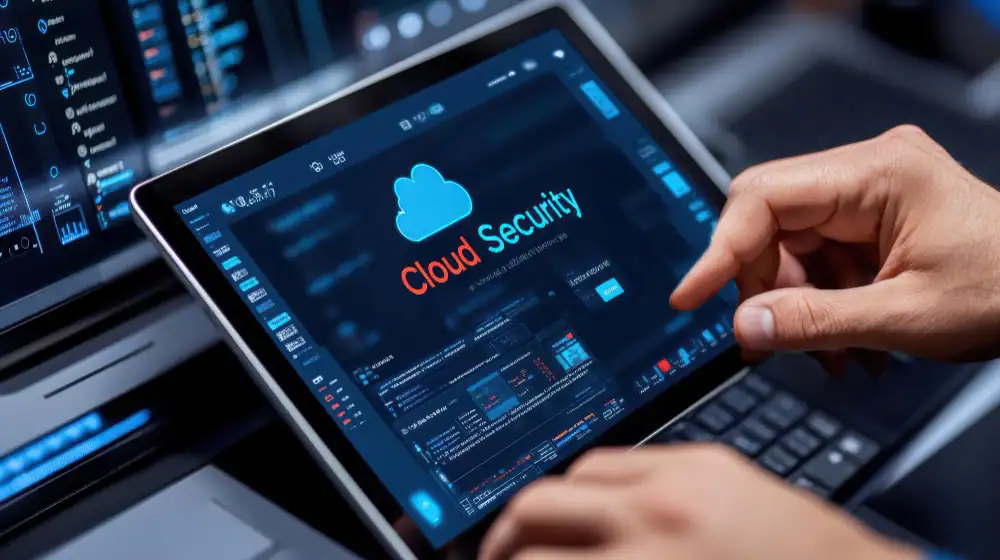
Beyond fixing day-to-day friction, cloud software changes the infrastructure side of running an alarm company too. Purpose-built security alarm business software can give owners more control over daily operations while reducing the administrative load that grows alongside the customer base.
These are the benefits that tend to matter most once a company makes the switch:
- Single Point of Data Entry: Enter customer information once and reuse it across connected WorkHorse workflows instead of re-entering the same details in separate systems.
- Reduced dependence on a single office computer or local server, although security and backup practices still depend on the provider and configuration.
- Real-time access from anywhere, letting owners, dispatchers, and technicians work from the office, a job site, or home.
- Convenient to add users or locations without maintaining additional on-premises server infrastructure.
- Automatic software updates and reduced IT burden, since the provider handles updates, not your team.
- Improved reporting and business insights, with data pulled from one live system, not assembled by hand.
What to Look for in a Cloud-Based Alarm Dealer Software
Not every cloud platform meets the full range of an alarm business’s daily needs. The right platform should fit the way an alarm company actually works from sale through recurring billing and ongoing service. Here are the core features worth checking before you commit to one:
- Lead and Sales Management (CRM)
- Automated RMR Billing and Subscription Management
- Field Service Management and Technician Dispatch
- Central Station Integrations
- Accounting Integrations (e.g., QuickBooks)
- Customer Messaging and Support Tools
Streamline Your Operations With WorkHorse SCS
Running an alarm company gets harder when every department has its own software, its own customer record, and its own version of what happened.
WorkHorse SCS brings sales, RMR billing, field service, customer management, accounting connections, messaging, and central station integrations into one alarm-industry-focused platform. Its Single Point of Data Entry approach helps reduce repeated administrative work and keeps business information connected as accounts move from sales through service and recurring billing.
If your team is still juggling separate tools for sales, billing, and dispatch, a demo is the fastest way to see what a single connected system looks like for your business. Schedule a free demo with WorkHorse SCS and see where the time savings show up first.
FAQs
Can Cloud Software Replace Multiple Alarm Business Tools?
A well-built platform covers CRM, RMR billing, dispatch, service records, and central station integrations in one system, removing the need to maintain separate tools for each function.
How Does Cloud Software Help Manage RMR?
Automated RMR billing can run recurring charges on a defined schedule and help staff monitor customer account payments. Because billing connects to the same customer record as service and sales, RMR reflects a canceled account right away.
Can Technicians Access the System From the Field?
Most cloud alarm platforms include a mobile app that gives technicians their schedule, customer notes, job history, and the ability to log parts, time, and test results from the job site, syncing back to the office the moment they are entered.
How Does Cloud Software Connect With Central Stations?
Cloud platforms built for the alarm industry integrate directly with central station systems, syncing signal history, on-test status, and account data without a separate login or manual cross-checking.
How Difficult Is It to Migrate to Cloud Software?
Migration difficulty depends mostly on how much existing customer and billing data needs to move over and how clean that data is going in. Migration depends on the condition and format of your existing data. WorkHorse offers data import and onboarding options, including imports from QuickBooks, central stations, and formatted CSV files.
Ready to transform your alarm business? Contact WorkHorse today for a FREE demo and consultation.
Let us help you streamline your operations and achieve greater success with our all-in-one software solution.

We are your Single Point of Data Entry